Atlassian training and collaboration practices
Train your teams so the tools are actually adopted
Ovyka trains users, business operators, service agents and administrators on Jira, Jira Service Management, Confluence and the broader Atlassian ecosystem.
Our goal is not just to show screens. We help teams understand best practices, their own configurations, the workflows they actually use and the administration habits that keep the platform reliable over time.
Jira
Business, software, issues, boards, sprints and reporting.
Jira Service Management
Portals, queues, SLAs, escalations, Assets and support.
Confluence
Documentation, knowledge base, templates and spaces.
Bitbucket and CI/CD
Code, reviews, Jira integrations and application lifecycle.
Automations
Rules, notifications, synchronizations and time savings.
Governance
Permissions, standards, administration and adoption path.
3+ levels: user, agent, administrator
Docs PDF, PowerPoint, guides and quick-reference sheets
Atlassian Jira, JSM, Confluence, Bitbucket and ecosystem
TMA third-party application maintenance: support and continuous improvement
Why train with Ovyka?
Useful training must fit your practices, not just the product.
Sessions are designed to secure adoption, reduce configuration mistakes, improve data quality and give internal teams more autonomy on their actual instance.
Faster adoption
Users understand how to work in their projects, workflows, spaces, portals or queues without multiplying workarounds.
More autonomous administrators
Internal teams learn how to manage workflows, permissions, fields, screens, spaces, automations and governance rules with method.
Better structured support
JSM agents, business leads and support teams learn how to qualify, prioritize, document and follow requests correctly.
Actionable best practices
We connect features to real usage: space templates, boards, SLAs, knowledge base, reporting, security and information-system integration.
Training levels
Learning paths adapted to each role
The same platform is not used the same way by someone creating requests, processing tickets, leading a workspace or administering the instance. We focus on your projects, issue types and workflows instead of giving a generic tour of every possible option.
Users and project teams
Learn how to create, track, search, comment, document and share information within the projects and rules actually configured for your teams.
- Jira (business and software use cases)
- Confluence and knowledge bases
- Boards, filters, notifications and reports
Business operators and support agents
For people working daily in Jira Service Management queues, portals, tickets and service processes.
- Request qualification and processing
- SLAs, prioritization, escalations and satisfaction
- Links with Confluence, Assets and level-3 support
Level 1 and 2 administrators
Manage functional configuration, secure permissions, maintain templates and avoid drift that makes tools difficult to operate.
- Workflows, fields, screens and permissions
- Confluence spaces, templates and macros
- Automations, Assets, projects and governance
Leads, Product Owners and managers
Structure usage standards, read indicators, arbitrate evolutions and manage team maturity over time.
- Reporting and dashboards
- Team standards and naming rules
- Improvement roadmap and change support
Tools covered
Training centered on your Atlassian stack
We cover the main products and their cross-tool usage, with exercises adapted to your projects, workflows, issue types, templates and plugins when needed.
 Enlarge visual
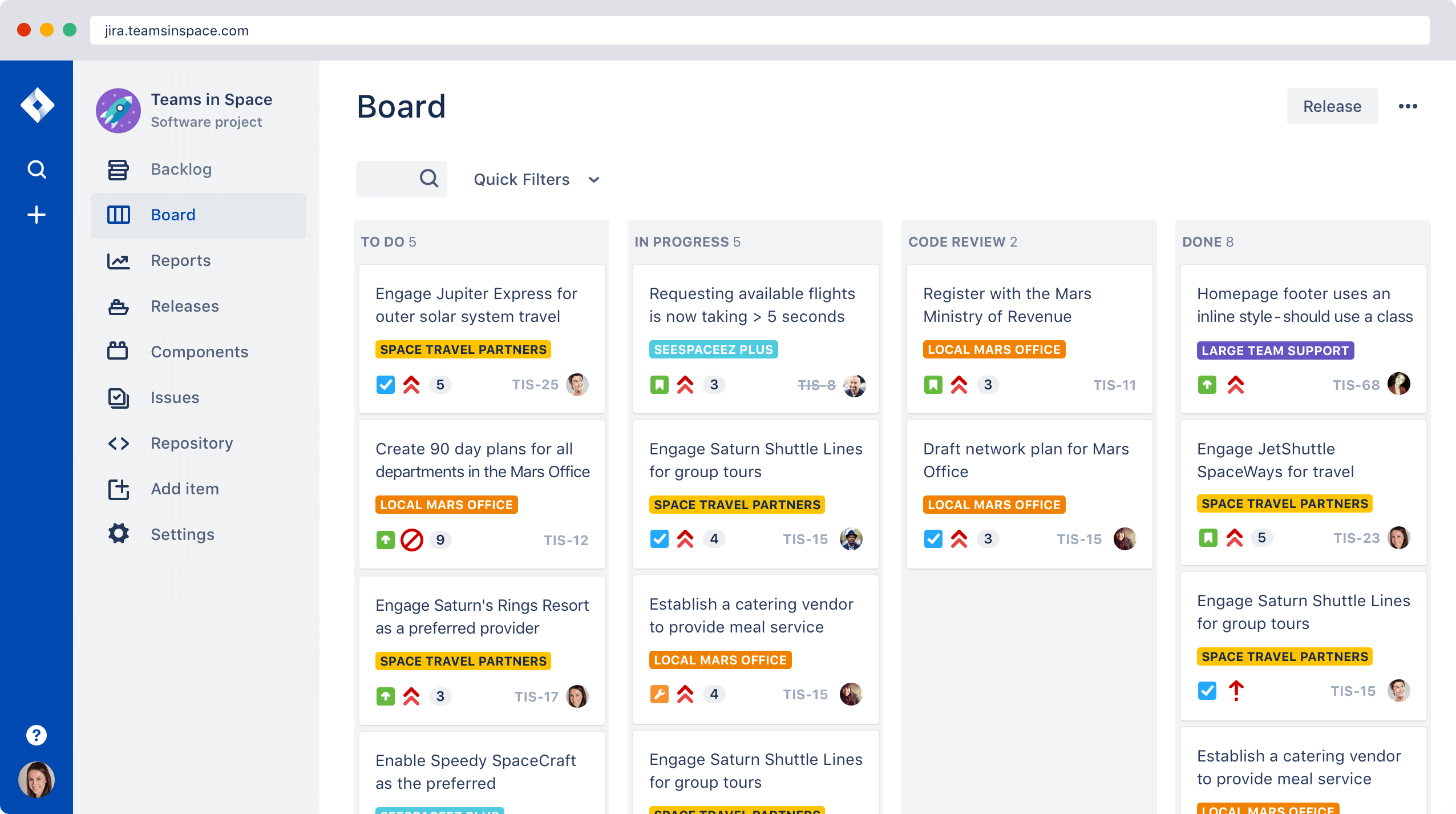
 Jira (business and software use cases)
Issues, workflows, backlogs, sprints, Scrum/Kanban boards, filters, reports and tracking best practices based on your configurations.
- User
- Advanced user
- Level 1 and 2 administrator
 Enlarge visual
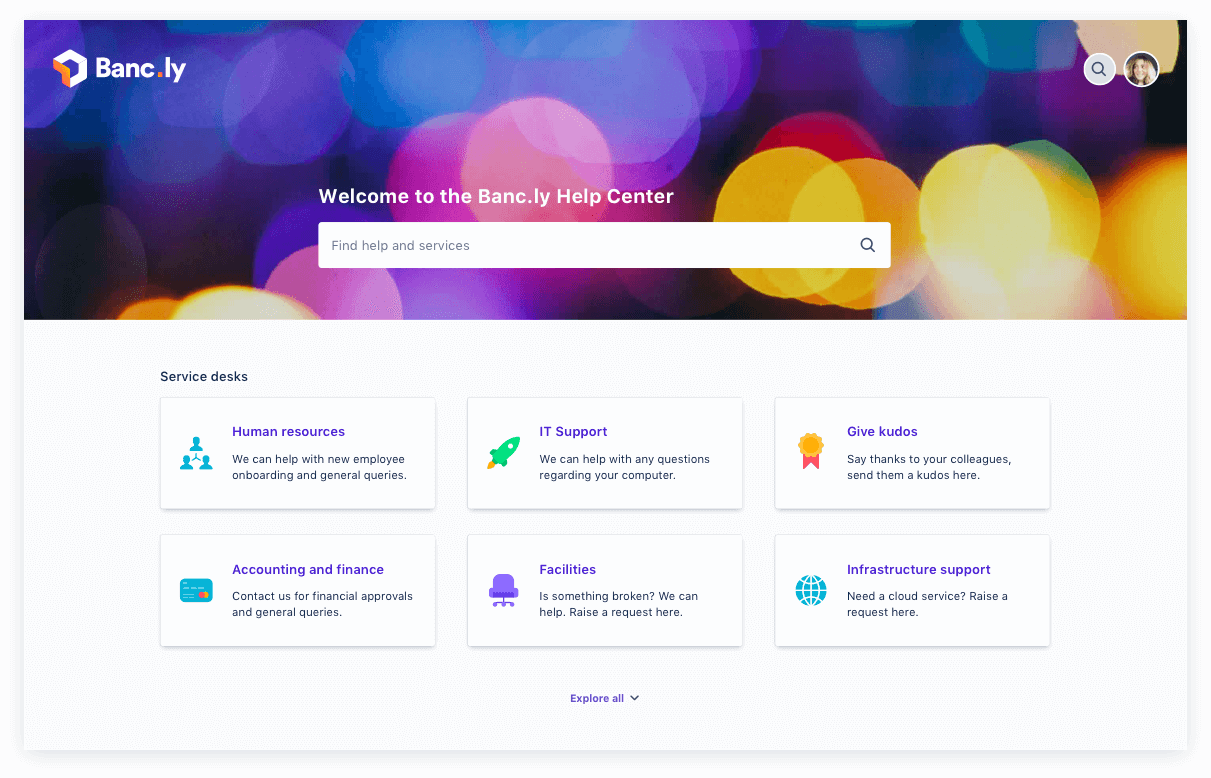
 Jira Service Management
Portals, requests, queues, SLAs, satisfaction, automations, escalations and knowledge-base collaboration.
- Support agents
- Service owners
- JSM and Assets administrators
 Enlarge visual
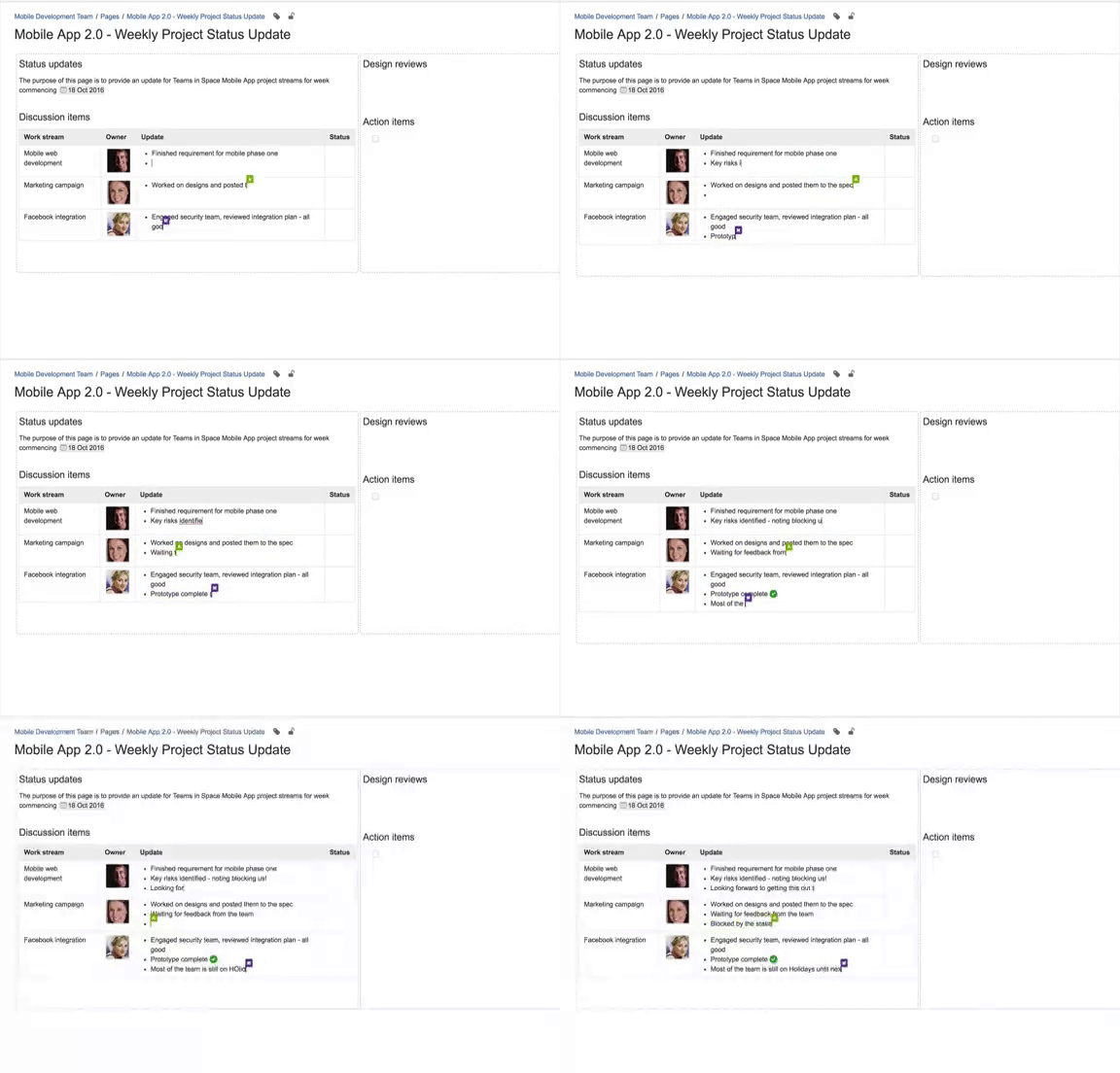
 Confluence
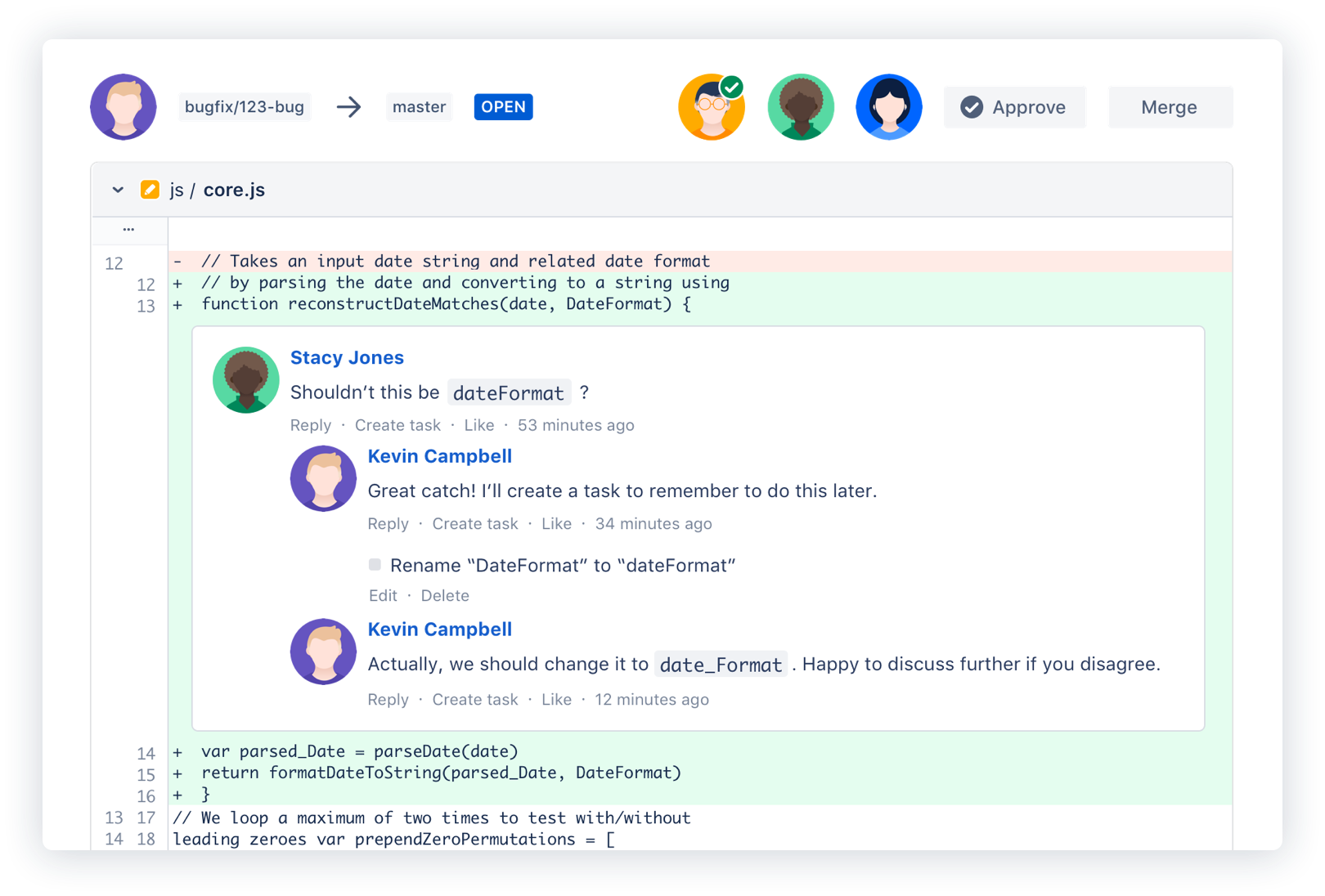
Spaces, pages, templates, macros, collaborative editing, project documentation, knowledge management and content governance.
- Users
- Space administrators
- Global administrators
 Enlarge visual
 Bitbucket and DevOps practices
Source-code management, Jira integration, CI/CD practices, build automation and understanding the Atlassian application lifecycle.
- Development teams
- Administrators
- DevOps leads
Teaching method
We build training around your real usage
Effective training is more than a catalogue. It accounts for roles, pain points, internal standards, existing configurations and planned changes.
- 01
Scope the audiences
Identify roles, tasks, permissions, pain points and the expected level of autonomy after the session.
- 02
Adapt the content
Prepare a standard or tailored path using your projects, spaces, templates, portals, plugins, conventions, workflows and issue types.
- 03
Practice on concrete cases
Alternate demonstrations, exercises, Q&A and best-practice reminders using scenarios the teams really encounter.
- 04
Support after the session
Deliver or maintain PDF, PowerPoint, quick guides and reference sheets, then plan follow-up points, configuration adjustments and support or TMA needs.
Available formats
On site, remote, one-off or embedded into recurring support
We adapt the format to the context: rapid upskilling, new tool rollout, existing-instance recovery or continuous improvement.
On-site sessions
In-person workshops at your site or at Ovyka, useful for project teams, rollouts and mixed audiences.
Remote sessions
Video training for distributed teams, with adapted pacing, guided demonstrations and shared materials.
Tailored paths
Content adjusted to your templates, standards, plugins, workflows, issue types, security constraints and governance goals.
Training within TMA
Upskilling integrated into third-party application maintenance: product support, evolutions, usage reviews and continuous improvement.
Product support
Questions, complex incidents and level-3 expertise.
Maintenance
Configuration, permissions, standards and change tracking.
Training
Materials, coaching and lead upskilling.
Improvement
Usage reviews, prioritization and evolution roadmap.
Training and continuous support
Training can be part of a broader TMA service
TMA, or third-party application maintenance, is a long-term product support and maintenance contract. For customers who want a durable arrangement, Ovyka can combine training, support, level-3 expertise, functional evolutions, administration guidance and continuous platform improvement.
- Answers to advanced questions after sessions
- Coaching for internal administrators and leads
- Help scoping evolutions and new usage patterns
- Level-3 support for complex configurations and incidents
- Recurring reviews of practices, governance and adoption
Ovyka
Want to structure an Atlassian training plan?
Tell us which tools you use, who needs training, the expected level and your schedule constraints. We will propose a suitable format.